
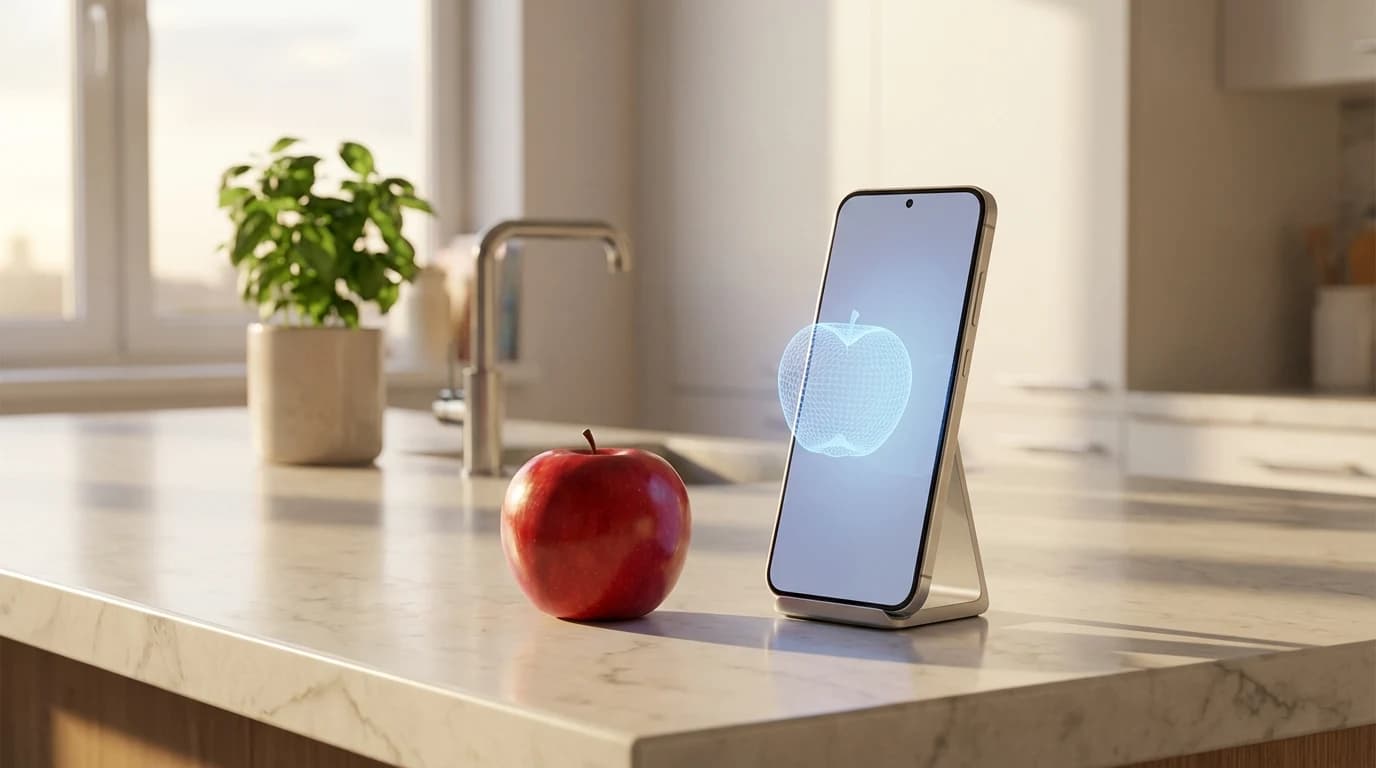
- —Modern phone scale apps use AI computer vision and camera depth sensors -- not screen pressure -- to estimate weight.
- —Reference calibration with a known object (like a coin) significantly improves accuracy from roughly 70% to 85-95%.
- —Confidence percentages tell you how reliable each specific estimate is, so you know when to trust the result.
- —AI weight estimation is practical for everyday tasks like food portioning and package estimates, but not for precision-critical measurements.
- —Placing physical objects on your phone screen does not work on any modern device -- the hardware for pressure-based weighing was removed years ago.
Key Takeaways
You grab your phone to check how much that chicken breast weighs before logging your lunch, and the app gives you a number with a confidence score. But how much can you actually trust it? With dozens of scale apps on the market making bold accuracy claims, separating real utility from digital snake oil requires understanding how the technology actually works under the hood.
How do phone scale apps estimate weight {#how-do-phone-scale-apps-work}?
Phone scale apps estimate weight using two fundamentally different approaches: screen-based capacitance measurement and AI camera-based volume estimation. Only the camera-based method produces useful results on modern devices.
Older apps attempted to use the screen's capacitive touch sensors to detect weight. Capacitive screens are designed to register the electrical current from your fingertips, not physical downward force. Resting a piece of fruit or a coin on your display yields wildly inconsistent results, often registering nothing at all unless you place a conductive material underneath the object. According to Apple Insider, Apple completely removed the pressure-sensitive 3D Touch hardware starting with the iPhone 11 in 2019, making screen-based weighing physically impossible on any modern iPhone.
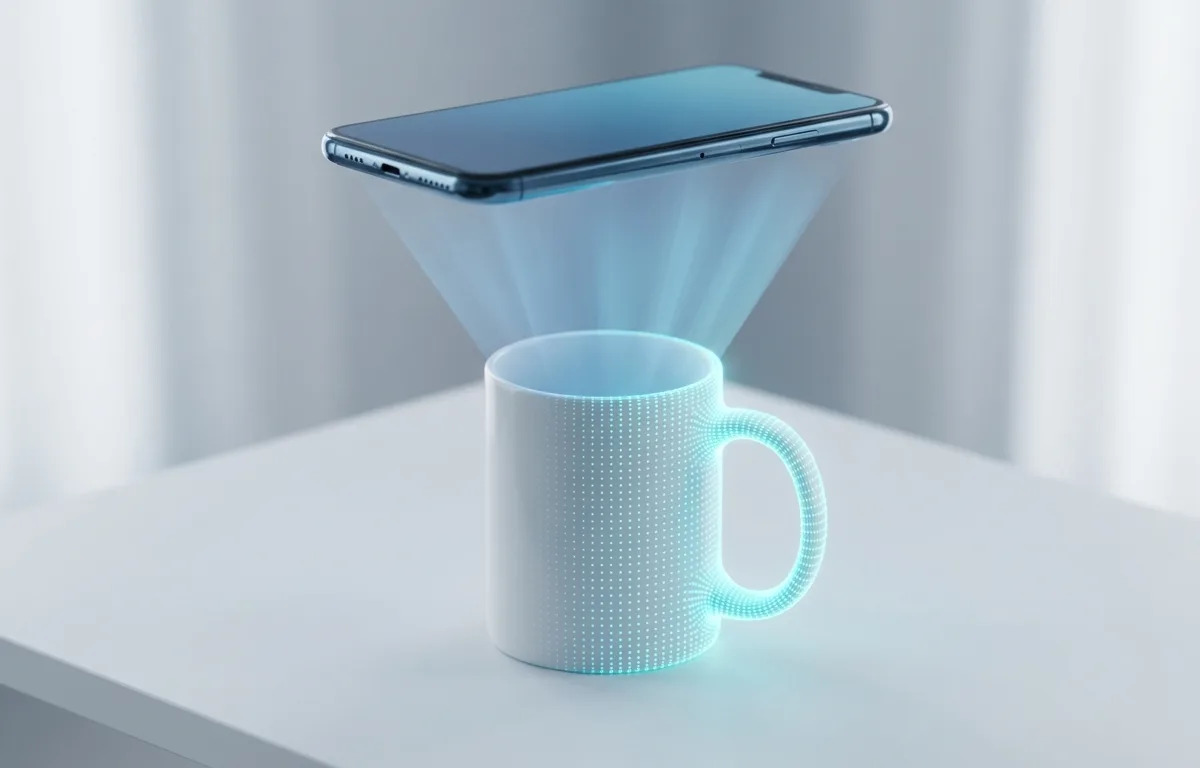
The camera-based approach is entirely different. Smartphones produced in 2026 feature sophisticated LiDAR scanners and Time-of-Flight (ToF) cameras. When you point a working scale app at an object, the software creates a rapid 3D mesh of the item. By identifying what the object likely is and calculating its precise physical volume, the app multiplies volume by known material density to estimate mass. A 2025 systematic review published in the British Journal of Nutrition found that AI-based dietary assessment methods achieved correlation coefficients above 0.7 with traditional measurement methods for calorie and macronutrient estimation across multiple peer-reviewed studies.
This pivot from touch-based guessing to spatial volume mapping is what finally made smartphone weight estimation viable. The phone no longer acts as a spring-loaded scale -- it acts as a spatial calculator.
What is reference calibration and why does it matter {#what-is-reference-calibration}?
Reference calibration is the technique of placing a known object -- like a coin, credit card, or standard household item -- next to the item you want to weigh. The app uses the known object's precise dimensions and weight to establish an accurate scale for the entire scene.
Without reference calibration, a camera-based scale app has to guess absolute distances and sizes from a 2D image or limited depth data. This is inherently imprecise because the same apple looks dramatically different from 30 centimeters versus 60 centimeters away. With a reference object in the frame, the app can mathematically anchor every measurement to a known quantity.
Here is why this matters for accuracy:
| Measurement Mode | Typical Accuracy | Best For |
|---|---|---|
| No reference object (camera only) | 65-75% | Very rough ballpark estimates |
| Standard reference calibration (coin/card) | 85-95% | Daily food tracking, package estimates |
| Dedicated physical kitchen scale | 99%+ | Precision baking, medical measurements |
According to hardware analysis from NIST, measurement precision depends fundamentally on having a reliable reference standard. The same principle applies to phone scale apps -- your coin or credit card becomes the reference standard that transforms a rough visual guess into a calibrated spatial measurement. If you are using an app like Weight Scale, always include a reference object in the frame. A US quarter weighs exactly 5.67 grams and has a diameter of 24.26 millimeters, making it an ideal calibration anchor.
How accurate are AI-powered scale apps {#how-accurate-are-ai-scale-apps}?
AI-powered scale apps in 2026 typically achieve 85-95% accuracy for common single-item foods when used with reference calibration, and 65-80% accuracy for complex mixed dishes or unusual objects. This makes them highly practical for daily macro tracking but unreliable for precision-critical tasks.
The accuracy depends heavily on three factors: the quality of reference calibration, the object's identifiability, and lighting conditions. A well-lit photo of a single banana next to a coin yields excellent results because the AI has extensive training data for bananas and can precisely map the volume. A dimly lit bowl of mixed casserole is far harder because the app cannot see through layers of food to gauge depth.
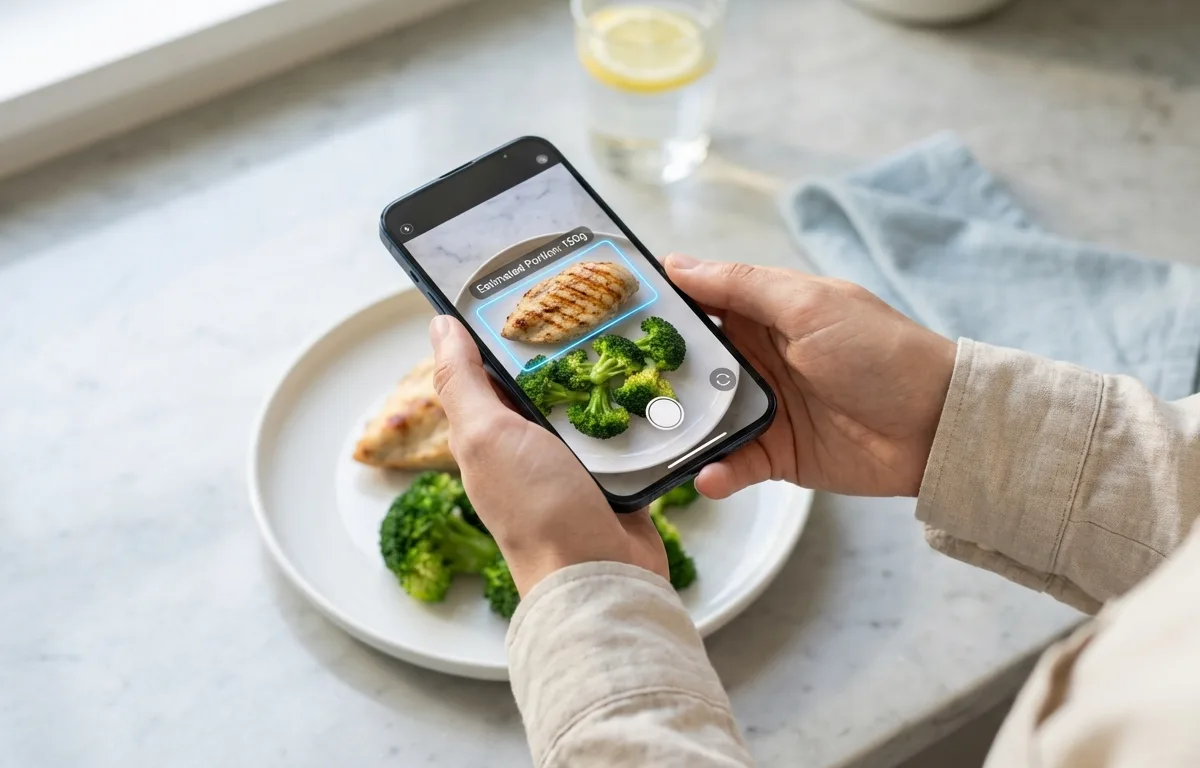
A 2025 systematic review by Cofre et al. in the British Journal of Nutrition analyzed 13 peer-reviewed studies on AI-based dietary assessment and found that six out of thirteen studies achieved correlation coefficients above 0.7 for calorie estimation compared to traditional methods. The review noted that AI techniques based on deep learning performed best for macronutrient estimation, though more research with diverse populations is needed.
For the average person counting macros, the practical question is whether a 5-15% variance matters. If your chicken breast actually weighs 170 grams and the app estimates 155 grams, that is roughly a 15-calorie difference -- negligible for daily tracking. Research from the University of Florida College of Public Health shows that consistent self-monitoring of dietary intake is one of the strongest predictors of weight loss success, regardless of the exact tracking method used. The convenience of AI estimation means people actually stick with tracking, which matters more than gram-level precision. If you want to combine AI estimation with structured portioning, our guide on How to Weigh Food for Meal Prep covers practical workflows for daily use.
*AI-based weight estimation provides educated estimates for personal dietary tracking. These tools are not medical-grade instruments and should not replace certified equipment for clinical, legal, or safety-critical measurements.*
What do confidence percentages mean {#what-do-confidence-percentages}?
A confidence percentage tells you how certain the app's AI model is about a specific weight estimate. A 95% confidence score means the algorithm's internal certainty is very high, while a 60% score signals significant uncertainty that you should treat as a rough guess.
Confidence scores are generated by the neural network's output layer. When the model processes your image, it does not produce a single number -- it produces a probability distribution. If the distribution is tightly clustered around one value, the confidence is high. If the distribution is spread across a wide range, the confidence drops because the model is uncertain.
Several factors reliably tank confidence scores:
- Poor lighting -- the depth sensors cannot create an accurate 3D mesh in dim conditions
- Unusual objects -- items the model has not been extensively trained on produce wider probability distributions
- No reference object -- without a calibration anchor, spatial measurements carry much more uncertainty
- Overlapping items -- objects stacked on top of each other confuse the volume calculation
- Reflective surfaces -- shiny or metallic items can distort LiDAR readings
The practical takeaway is straightforward: treat estimates with confidence scores above 85% as reliable for daily tracking, scores between 70-85% as reasonable approximations, and anything below 70% as a rough guess that you should double-check. If you are learning more about weighing methods, our guide on How to Weigh Things Without a Scale: 7 Methods That Actually Work covers backup techniques for when your app's confidence is low.
When should you trust a phone scale app vs a real scale {#when-to-trust-phone-vs-real-scale}?
You should trust a phone scale app for everyday food portioning, casual package estimates, and general curiosity. You should use a real scale for precision baking, medical dosing, shipping labels, and any situation where being off by 10-15% has meaningful consequences.
The distinction comes down to acceptable error margins. A recipe that calls for 200 grams of flour can fail badly if you add 230 grams -- baking is chemistry. A lunch log that records 155 grams of chicken instead of 170 grams will not meaningfully affect your weekly macros. According to the USDA FoodData Central database, natural variation in food weight (different sized apples, varying water content in meats) already introduces 5-10% variance before any measurement tool enters the picture.
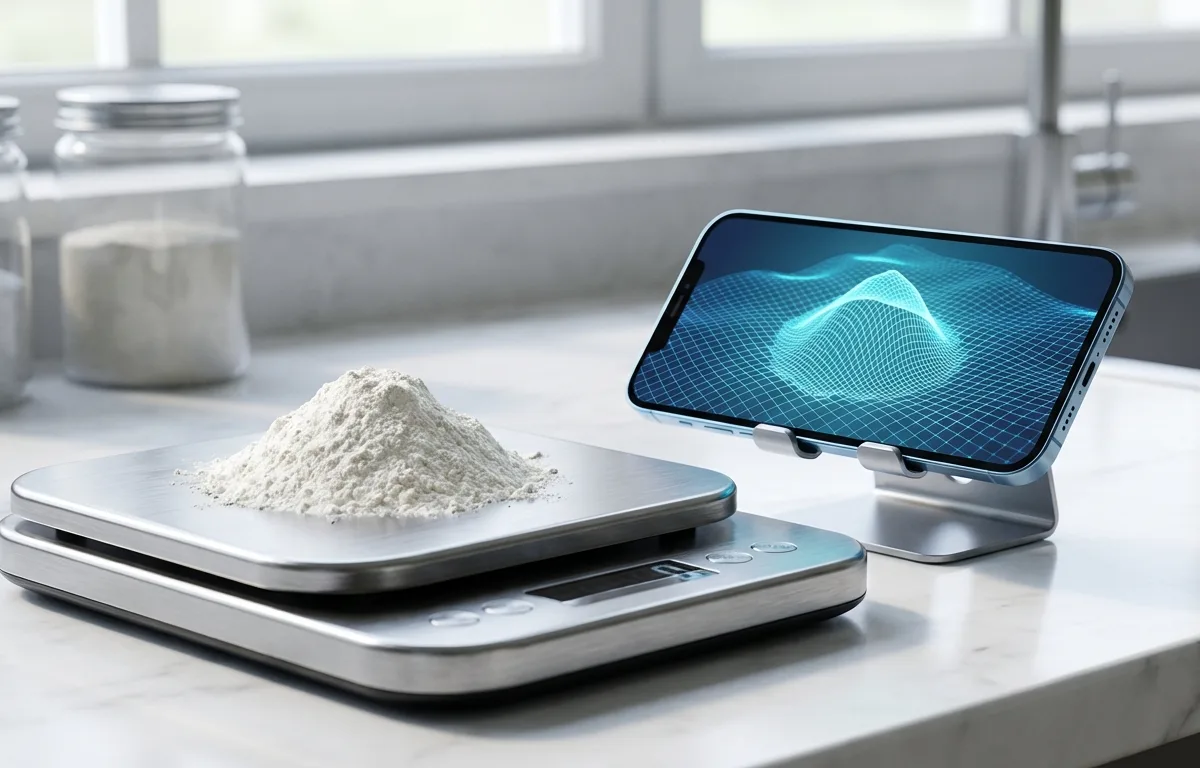
Here is a practical decision framework:
Use a phone scale app when:
- Tracking daily food intake for weight management
- Getting a ballpark weight for a package before shipping
- Estimating portions while eating at a restaurant or office
- Comparing relative sizes of items at a grocery store
Use a dedicated physical scale when:
- Following a precise baking recipe
- Measuring medications or supplements
- Printing a shipping label that requires accurate weight
- Weighing precious metals, jewelry, or gemstones
- Any legal, medical, or safety-critical measurement
The phone scale app is best suited for daily food tracking because it eliminates the friction of pulling out physical hardware, which dramatically improves long-term adherence to dietary plans. If you are specifically looking for the right app, our comparison of the Best Scale App for iPhone in 2026 breaks down five popular options. A physical kitchen scale is best suited for precision baking because the chemical ratios in baking demand gram-level accuracy that no camera estimation can guarantee. Reference calibration is best for food portioning because it anchors the measurement to a known physical standard, reducing camera-only error by roughly 20-25 percentage points.
What are the limitations of phone-based weight estimation {#limitations-of-phone-estimation}?
Phone-based weight estimation has several hard technical limitations that no amount of software improvement can fully overcome. Understanding these helps you know exactly when to trust the technology and when to reach for a physical scale.
The first fundamental limitation is material density ambiguity. Two objects can look identical in a photograph but weigh dramatically different amounts. A block of cheddar cheese and a block of tofu might have similar dimensions, but cheddar weighs roughly 1.1 grams per cubic centimeter while tofu weighs around 0.4 grams per cubic centimeter. If the AI misidentifies the material, the estimate can be off by 100% or more. According to Britannica's overview of density measurement, accurate mass calculation fundamentally requires knowing both volume and density -- if either is uncertain, the result is unreliable.
The second limitation is depth perception in 2D images. Even with LiDAR, the camera cannot see the bottom or interior of objects. A hollow decorative sphere looks identical to a solid one from the outside. Mixed dishes where heavy ingredients sit beneath lighter ones (like butter-loaded mashed potatoes versus air-whipped potatoes) consistently fool volume-based estimation.
Additional constraints include:
- Flat items like envelopes, thin books, and fabric cannot be volumetrically mapped with enough precision for useful weight estimates
- Very small items under 5 grams push below the resolution threshold of most phone cameras
- Very large items that do not fit in a single camera frame require manual fragmentation of the measurement
- Transparent or translucent objects like glasses of water or clear containers distort depth sensor readings
These limitations are not bugs -- they are physics constraints that apply to any vision-based measurement system. The technology is ideal for common, identifiable objects in well-lit conditions with reference calibration. It is not a universal replacement for physical measurement.
How can you get the most accurate results from a scale app {#tips-for-best-accuracy}?
Getting the most accurate results requires optimizing the physical conditions of your measurement: lighting, reference calibration, camera angle, and object isolation. Following these steps consistently can push accuracy from 70% up to 90-95%.
Step 1: Use reference calibration every time. Place a US quarter (5.67 grams, 24.26 mm diameter), a credit card (standard 85.6 x 53.98 mm), or another object with precisely known dimensions next to your item. This single step is the biggest accuracy booster available to you.
Step 2: Ensure strong, even lighting. Natural daylight or bright overhead kitchen lighting produces the best results. Avoid casting shadows across the object, as shadows confuse depth mapping algorithms and can inflate or deflate volume estimates.
Step 3: Isolate the object. Place the item on a plain, contrasting surface -- a white plate on a dark counter, or a dark object on a light cutting board. Cluttered backgrounds force the AI to work harder to separate the object from its surroundings, reducing confidence scores.
Step 4: Shoot from a consistent angle. A 30-45 degree overhead angle typically produces the best results because it captures both the top surface and enough of the sides for accurate volume mapping. Directly overhead shots lose all side-depth information, while ground-level shots miss the top surface.
Step 5: Check the confidence score. If the app returns a confidence percentage below 75%, try adjusting lighting, repositioning the reference object, or re-identifying the item. A low confidence score is the app telling you it is guessing rather than measuring.
Step 6: Calibrate expectations for the item type. Common whole foods (fruits, vegetables, standard cuts of meat) produce the most accurate estimates because the AI training data is extensive. Unusual items, mixed dishes, and processed foods with variable density will always carry wider error margins.
According to the USDA FoodData Central database, using standard household reference objects improves portioning accuracy compared to raw visual guessing. Combining this analog knowledge with AI camera estimation creates a practical, reliable system for managing nutrition without a physical scale.
Frequently Asked Questions
Are free phone scale apps safe to use?
Yes, AI-based scale apps that use your camera are safe because they only require camera access to measure volume. Avoid older apps that ask you to place heavy objects directly on your screen, which can scratch or damage the display.
Does putting objects on my phone screen damage it?
Placing dense, heavy, or sharp objects directly on your smartphone screen can scratch the glass or damage the underlying digitizer panel. Modern AI scale apps use the camera instead, eliminating screen contact entirely.
Can I use a phone scale app to weigh mail for shipping?
Camera-based AI apps struggle with flat items like envelopes because they rely on volumetric depth mapping. Standard mail is better weighed using a physical postal scale or the makeshift balance method with known weights.
What is reference calibration in scale apps?
Reference calibration means placing a known object like a coin or credit card next to the item you want to weigh. The app uses the known object's dimensions to establish scale, improving accuracy from roughly 70% to 85-95%.
How accurate are AI camera scales compared to kitchen scales?
AI camera scales typically estimate within 5 to 15 percent of the actual weight for common foods and objects. While practical for general food tracking, they cannot replace the gram-level precision of a dedicated digital kitchen scale.
Sources
- British Journal of Nutrition -- AI Dietary Assessment Review -- 2025 systematic review of AI-based dietary intake assessment accuracy and validity across 13 peer-reviewed studies.
- NIST Handbook 44 -- National standards for weighing devices and measurement precision requirements.
- Apple Insider -- Hardware analysis confirming the removal of 3D Touch pressure-sensitive screens in modern iPhones.
- USDA FoodData Central -- Comprehensive food composition database used for nutritional estimation and portioning reference.
- University of Florida -- Self-Monitoring for Weight Loss -- Research on dietary self-monitoring adherence and weight loss outcomes.
- Britannica -- Density -- Reference explanation of density measurement principles used in volume-to-mass calculations.
- TechRadar -- Technology reviews and analysis of smartphone hardware capabilities including LiDAR and depth sensors.
- Archimedes' Principle -- Britannica -- Explanation of volume displacement and its application to weight estimation.
